
This document is a quick reference guide for Uniden cordless phones. It provides information on checking package contents, installing and charging the handset battery, and connecting to the phone line.
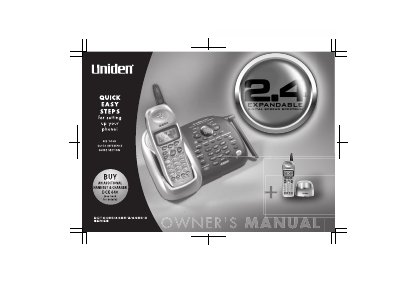
This manual provides instructions for the Uniden DCX640 Expandable Cordless System telephone. It details how to install the handset battery, connect the phone line, and configure basic settings such as Caller ID and language options. The system supports up to four handsets and features an integrated answering device with remote operation capabilities.
| Frequency | 2.4GHz |
|---|---|
| Max Handsets | 4 |
| Memory Capacity | 100 |
| Ring Options | 20 |
| Security Codes | 130,000 |
Charge the handset battery pack for at least 15-20 hours before using your new cordless telephone for the first time.
Press and hold the 'ans on/off' button; each press switches the answering machine between on and off.
Yes, the unit can support up to 4 handsets to establish a 4-way conference call.