
Key facts
- Brand
- Uniden
- Model
- DCX640
- Category
- Telephone
- Industry
- Electronics
- Documents
- 2
- Languages
- EN
- Last added
- 2012-07-04
Start here
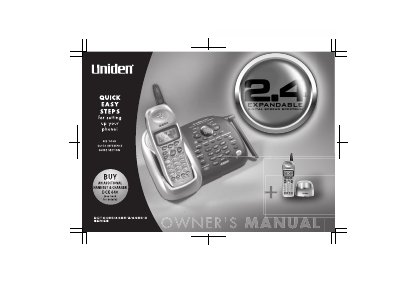
Uniden DCX640 Cordless Telephone User Manual
This manual provides instructions for the Uniden DCX640 Expandable Cordless System telephone. It details how to install the handset battery, connect the phone line, and configure basic settings such as Caller ID and language options. The system supports up to four handsets and features an integrated answering device with remote operation capabilities.
Read onlineUniden DCX640 specifications
| Battery Capacity | 800 mAH |
|---|---|
| AC Adapter Input | 120V AC 60Hz |
| AC Adapter Output | 9V DC 210 mA |
| Maximum Expandability | 4 Handsets per system |
Source: Uniden DCX640 Additional Handset and Charger User Manual
All Uniden DCX640 documents by type
Day-to-day operation, settings and troubleshooting. Start here if the product is already set up.
Questions answered in these manuals
What is the registration number for the handset?
The handset must be registered to the main base unit before it will operate.
From: Uniden DCX640 Additional Handset and Charger User Manual
How long should the handset be charged before use?
The handset must be charged for 15-20 hours before registering it to the main base unit.
From: Uniden DCX640 Additional Handset and Charger User Manual
How long should I charge the handset battery before first use?
Charge the handset battery pack for at least 15-20 hours before using your new cordless telephone for the first time.
How do I turn the answering system on or off?
Press and hold the 'ans on/off' button; each press switches the answering machine between on and off.