
This document is a user manual for a telephone, which introduces the various parts of the telephone, interface usage, installation, basic settings, adding additional handsets, setting up the phonebook, and customizing the phone, etc.
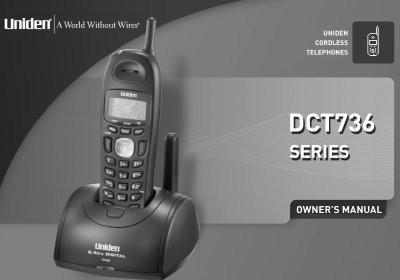
This manual covers setup, operation, and maintenance of the Uniden DCT736 Series multi-handset phone system. It explains how to install the handset, configure settings, make calls, use features like DirectLink and Caller ID, and troubleshoot common issues. The system supports up to four handsets and includes trilingual menu displays and customizable ringer tones.
| Handsets Supported | Up to 4 handsets |
|---|---|
| Phonebook Entries | 100 shared |
| Languages | English, Spanish, French |
Up to four handsets can be connected to the base.
The menu supports English, Spanish, and French.
You can select ring tones from the handset menu.
DirectLink allows two handsets to function as walkie-talkies.