
Session KeyStudio is a complete music production kit containing a 49 full-size key USB keyboard, an audio interface, and music production software designed for easy integration with your Windows XP or Windows Vista computer. The hardware is also ideal for use with a multitude of third-party music creation applications.
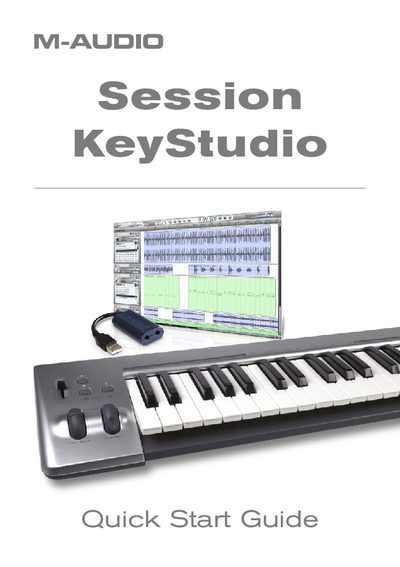
The M-Audio KeyStudio is a complete music production kit that includes a 49-key velocity-sensitive USB keyboard, a Micro USB audio interface, and the Session music creation software. The hardware is designed for easy integration with Windows XP or Vista computers, though the keyboard is also compatible with Apple computers for use with GarageBand. The bundle allows users to create music without needing additional driver installation for the keyboard itself.
| Keyboard Keys | 49-key velocity-sensitive keyboard |
|---|---|
| Audio Interface Type | Micro USB audio interface |
| Software Included | Session music production software |
| Windows XP RAM Requirement | 512MB RAM |
| Windows Vista RAM Requirement | 1GB RAM |
| Hard Disk Space Required | 4GB free hard disk space |
Yes, the KeyStudio USB keyboard is compatible with Apple computers and works immediately after connecting with GarageBand.
No, the keyboard requires no driver installation; simply connect and power it on.