
Session KeyStudio 25 User Guide introduces the features of Session KeyStudio 25, including product contents, system requirements, installation and setup, and how to start making music.
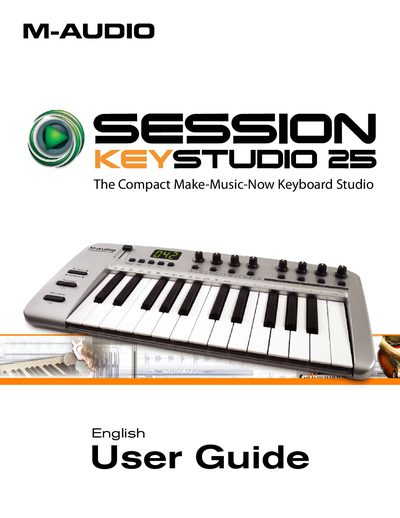
The M-Audio Session KeyStudio 25 is a complete music production package containing a 25-note, velocity-sensitive USB keyboard and the Session software. The hardware features 8 assignable knobs, 8 assignable buttons, and a slider for controlling software parameters, along with built-in studio-quality effects and a virtual synthesizer. It operates via USB bus power and is class-compliant, requiring no driver installation for basic use on Windows XP/Vista or Mac OS X.
The included Session software provides CD-quality multi-track audio and MIDI recording capabilities. The guide details installation procedures for both the keyboard drivers (optional for advanced features) and the software, including system requirements for Windows and Mac. It also explains how to configure the keyboard for use with third-party applications like GarageBand and how to assign MIDI controls.
| Number of Keys | 25 full-sized, half-action, velocity sensitive keys |
|---|---|
| Assignable Knobs | 8 |
| Assignable Buttons | 8 |
| Assignable Slider | 1 |
| Pedal Input | 1 assignable pedal input |
| Power Operation | USB bus-powered operation |
No, the keyboard is class-compliant and works without driver installation, though optional drivers are available for advanced features like multi-client use.
Yes, the USB keyboard works well on Apple computers running Mac OS X and popular applications such as GarageBand.