
This document explains the process of loading M-Audio ProSessions drum loops into the GT Player Express Track Player, and describes the repeat function and two repeat modes: Play One and Play All.
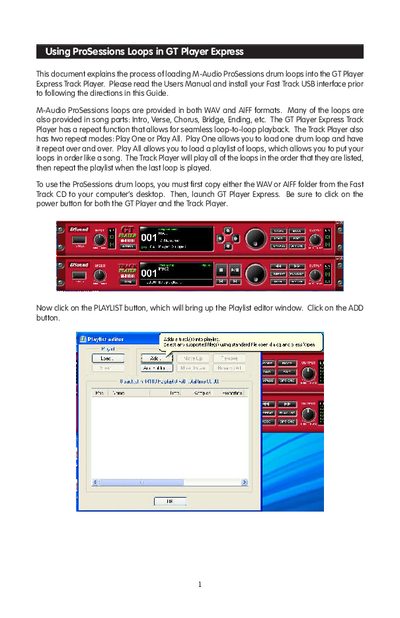
This guide explains how to load M-Audio ProSessions drum loops, available in WAV and AIFF formats, into the GT Player Express Track Player. The document covers setting up playlists with repeat functions to play sequences of loops or single continuous loops.
To use the feature, users must first copy the loop folders from the Fast Track CD to their desktop. Within the software, they add these files via the Playlist editor and save them as a new playlist file named "My Song" before playing.
The loops are provided in both WAV and AIFF formats.
Click the MODE button until it reads "Play One," click REPEAT, and press play.
You must read the Users Manual and install your Fast Track USB interface.