
This document provides instructions on how to use Agilent ChemStation Plus software to track data from drug stability studies. The software provides a variety of features for managing, storing, and tracking data, including custom fields, security, and query tools.
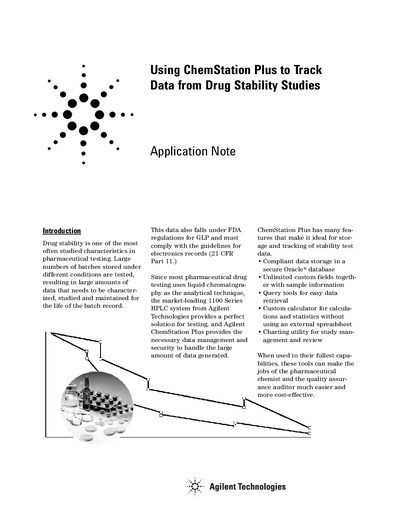
The document explains that the market-leading 1100 Series HPLC system from Agilent Technologies provides a solution for testing, while Agilent ChemStation Plus offers the necessary data management and security to handle large amounts of stability test data. The software ensures compliance with FDA regulations for Good Laboratory Practice (GLP) and electronic records (21 CFR Part 11).
Key features highlighted include compliant data storage in a secure Oracle database, unlimited custom fields for sample information, query tools for easy data retrieval, a custom calculator for statistics without external spreadsheets, and charting utilities for study management. The text details the setup of custom fields such as lot number, stability timepoint, and storage conditions to facilitate efficient data entry and review.
Users must enter the lot number, stability timepoint, and storage conditions along with sample information.
The system transfers the method, sequence, all raw data, and all calculated results to the database.