
The Evolution USB keyboard is a versatile instrument that can be used to play virtual instruments, control external MIDI hardware, and adjust various parameters.
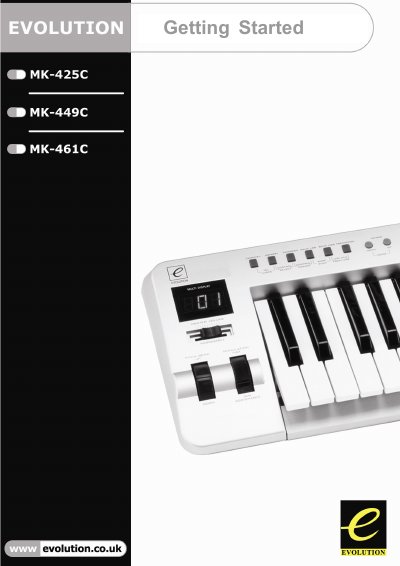
This manual serves as a getting started guide for the Evolution MK-425C, MK-449C, and MK-461C USB MIDI keyboards. It explains how to use the device to play virtual instruments on PCs and Macs and to control external MIDI hardware such as synthesizers, sound modules, drum machines, and samplers. The document highlights the keyboard's ability to send MIDI data, including Continuous Controller data, RPN/NRPN, and Program Changes, across 16 different channels.
| Keyboard Note Count | 25, 49 or 61 notes |
|---|---|
| MIDI Channels | 16 |
| Power Source | USB or External PSU |
| Programmable Rotary Dials | 12 (8 on MK-425C and MK-449C) |
| Programmable Faders | 9 (MK-449C & MK-461C only) |
| Programmable Buttons | 10 |
Switch off the unit and leave it for 10 seconds. Then restart your computer and try again.
Make sure the sustain pedal is unpressed when you power up the keyboard, as it is assumed to be in the OFF position on startup.
This delay is known as latency and is due to the soft-synth you are using, which takes time to complete complex calculations.