
Evolution UC-33e is a multifunctional MIDI controller that can control software on PCs and Macs, as well as external MIDI hardware.
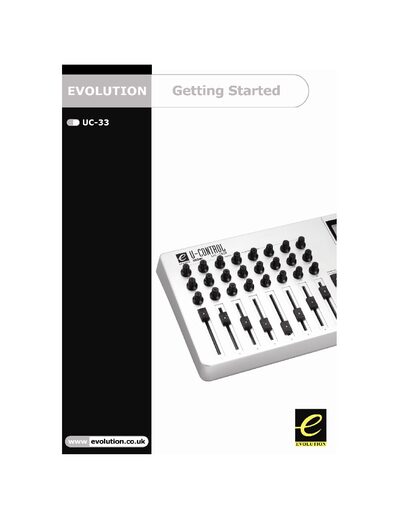
This guide introduces the Evolution UC-33e MIDI controller, covering what’s in the package, power options, and how to connect it via USB or an optional 9 V DC external supply. It walks you through driver installation for Windows and Mac, and shows how to configure the device in popular music software.
The manual also explains the controller’s programmable features, such as rotary dials, faders, buttons, and preset recall. Basic programming steps, troubleshooting tips, and contact information are provided to help users get the most out of the UC-33e.
| External Power Supply Spec | 9 V DC, 250‑300 mA, centre positive |
|---|---|
| Rotary Controllers | 24 programmable rotary dials |
| Faders | 9 full‑size programmable faders |
| Buttons | 14 programmable buttons |
| Preset Recall Buttons | 4 one‑press quick preset recall buttons |
| Power Switch | Power on/off switch |
Use a 9 V DC supply delivering 250‑300 mA with a centre‑positive polarity.