
This file is the manual of Evolution USB keyboards, which introduces the connection method, usage method and other information of the keyboards.
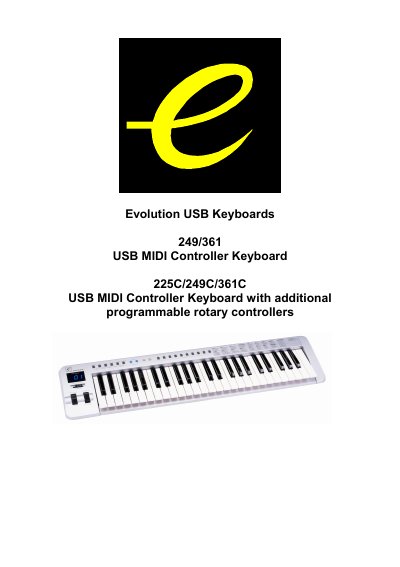
The document provides instructions for powering the Evolution USB Keyboards (models 249/361/225C/249C/361C) via soundcard, AC adapter, or USB. It details how to connect the unit to other MIDI devices like sound modules and drum machines.
| Power Supply Methods | Soundcard, AC adapter (9-12V DC), or USB |
|---|---|
| AC Adapter Specification | 9-12V DC output, 250-300mA, centre positive |
| MIDI Transmit Channels | 16 MIDI transmit channels available |
| Transpose Range | 24 half steps (12 up, 12 down) |
Yes, you can use an AC adapter with a specification of 9-12V DC output, 250-300mA, centre positive.
No, the keyboard does not have MIDI in capability and cannot receive MIDI data.
Pressing the + and - switches simultaneously resets the pitch to the default value.