
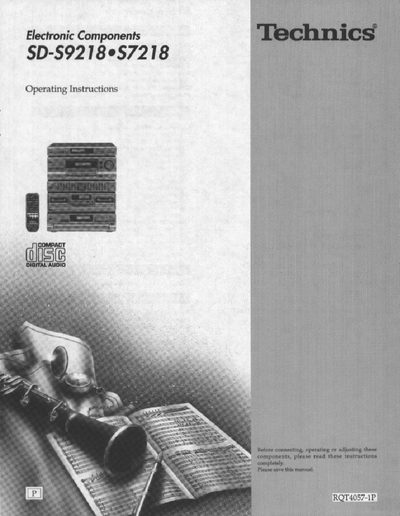
Technics SD-S9218/S7218 Home Theater System Operating Instructions


Technics SD-S9218/S7218 Home Theater System Operating Instructions - cover page
Brand
Technics
Category
Player
Document type
User Manual
Language
English
Pages
48
File format
PDF
File size
2.3 MB
Published
03 July, 2012
Updated
26 July, 2012
MD5 checksum
34C0AF1E18E158DA999016EE86E40218

About this manual

This document provides operating instructions for the Technics SD-S9218/S7218 home theater system. It details the supplied accessories, safety precautions, and proper placement of the system components, including the tuner, amplifier, graphic equalizer, cassette deck, and CD changer. The manual also includes specific guidance on connecting speakers for optimal Dolby Pro Logic and SFC sound performance.

What's inside

  • Supplied accessories
  • Precautions
  • Placement
  • Equipment connections
  • Antenna connections
  • Speaker connections
  • Front panel controls
  • Listening to radio broadcasts
  • Listening to compact discs
  • Listening to tapes

Frequently asked questions

What is the maximum operating temperature for this unit?

The unit should not be placed in temperatures greater than 35°C (95°F).

How long should you wait for moisture to evaporate if condensation forms inside the unit?

Turn on the power and wait about one hour for the moisture to evaporate.

Download PDF (2.3 MB)

More Technics Manuals


View all Technics manuals →