
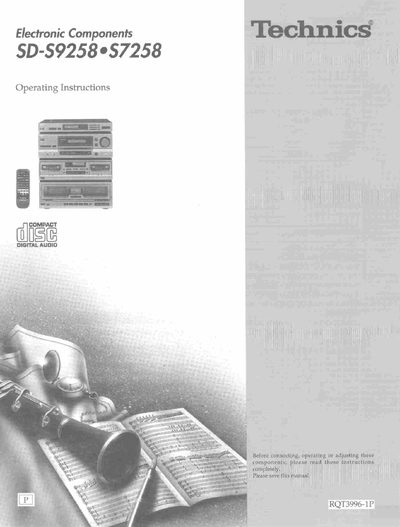
Technics SD-S9258/S7258 Digital Audio Operating Instructions


Technics SD-S9258/S7258 Digital Audio Operating Instructions - cover page
Brand
Technics
Category
Player
Document type
User Manual
Language
English
Pages
48
File format
PDF
File size
3.1 MB
Published
03 July, 2012
Updated
26 July, 2012
MD5 checksum
C1084BC215EF8AF49CF5C59B1F25CDDE

About this manual

This document provides operating instructions for the Technics SD-S9258 or S7258 Digital Audio unit. It details safety precautions, placement requirements, and how to use supplied accessories such as remote controls and antennas. The manual guides users through connecting equipment like amplifiers and cassette decks.

What's inside

  • Supplied accessories
  • Precautions
  • Placement
  • Equipment connections
  • Antenna connections
  • Speaker connections
  • Front panel controls
  • Setting/Removing discs
  • Listening to radio broadcasts
  • Technical specifications

Frequently asked questions

What should be done if moisture forms inside the unit?

Turn on the power and wait about one hour for the moisture to evaporate.

Where can authorized service personnel be contacted in the U.S.A.?

Call 1-800-545-2672 for the address of an authorized factory servicenter.

Download PDF (3.1 MB)

More Technics Manuals


View all Technics manuals →