
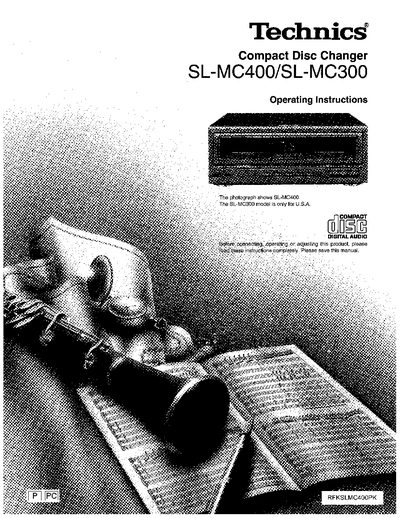
Technics SL-MC400 Compact Disc Changer Operating Instructions


Technics SL-MC400 Compact Disc Changer Operating Instructions - cover page
Brand
Technics
Category
Player
Document type
User Manual
Language
English
Pages
24
File format
PDF
File size
5.8 MB
Published
03 July, 2012
Updated
03 July, 2012
MD5 checksum
4FF304EC9A55C57C9C0B8C8F9DDF8BF0

About this manual

This document provides operating instructions for the Technics SL-MC400 and SL-MC300 compact disc changers. It details the front panel controls, remote control usage, and various playback functions including sequential, random, and program play. The guide also explains how to set and remove discs, group discs, and utilize search and skip features.

What's inside

  • Safety
  • Installation
  • Front panel controls
  • Basic operations
  • Sequential play
  • Direct programming
  • Random play
  • Repeat function
  • Search function
  • Troubleshooting guide

Frequently asked questions

Which models are covered by these instructions?

These instructions apply to the SL-MC400 and SL-MC300 models.

What should be done before moving the changer?

Remove all discs from the slots and turn off the changer to prevent damage.

Download PDF (5.8 MB)

More Technics Manuals


View all Technics manuals →