
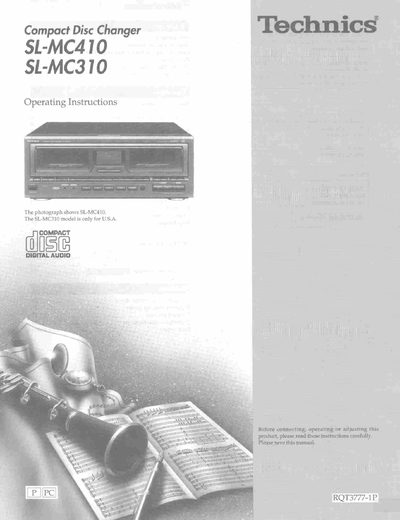
This document provides operating instructions for the Technics SL-MC410 compact disc changer. It details safety precautions, installation requirements, and how to connect the unit using the supplied stereo connection cable to a receiver or amplifier.
The manual explains various playback functions including sequential play, direct access to specific discs or tracks, single disc play, and random play modes. It also covers advanced features such as the ID scan function, disc grouping play, CD-TEXT editing and searching, and time mode selection.
| Power Supply | AC 120 V, 60 Hz |
|---|---|
| Clearance Requirement | 10 cm from rear |
These operating instructions are applicable to the SL-MC410 and SL-MC310 models.
Connect the white plug of the stereo connection cable to the L input and the red plug to the R input on the receiver or amplifier.