
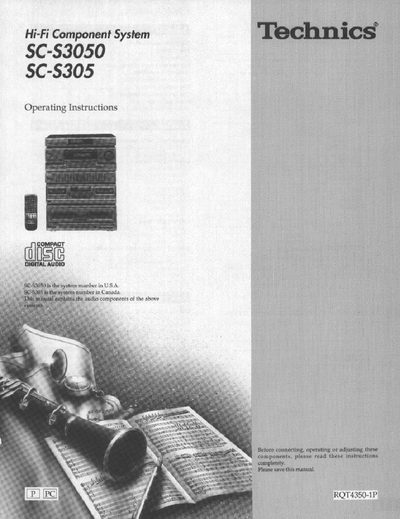
Technics SC-S3050 Hi-Fi Component System Operating Instructions


Technics SC-S3050 Hi-Fi Component System Operating Instructions - cover page
Brand
Technics
Category
Player
Document type
User Manual
Language
English
Pages
56
File format
PDF
File size
2.5 MB
Published
03 July, 2012
Updated
26 July, 2012
MD5 checksum
2C093A25C545678CE5942BB4ED270174

About this manual

This document provides operating instructions for the Technics SC-S3050 Hi-Fi Component System. It details the supplied accessories, safety precautions, and proper placement of the unit. The guide covers equipment connections including antenna and speaker setups, as well as the operation of the remote control and liner notes organizer.

What's inside

  • Supplied accessories
  • Precautions
  • Placement
  • Equipment connections
  • Antenna connections
  • Speaker connections
  • The remote control
  • Front panel controls
  • Listening to radio broadcasts
  • Listening to compact discs

Specifications

Operating Temperature Min5°C (41°F)
Operating Temperature Max35°C (95°F)
Rear Clearance10 cm (4 inches)

Frequently asked questions

What should I do if moisture forms inside the unit?

Turn on the power and wait about one hour for the moisture to evaporate.

Can I repair the unit myself?

No, do not open covers or repair yourself; refer servicing to qualified personnel.

Where can I find the model and serial number?

The model number and serial number can be found on either the back or the bottom of the unit.

Download PDF (2.5 MB)

More Technics Manuals


View all Technics manuals →