
Panasonic MW-10 Multimedia Audio System Operating Instructions

This manual describes how to operate the Panasonic MW-10P multimedia audio system. The product can play CDs, listen to the radio, and connect to an iPod.
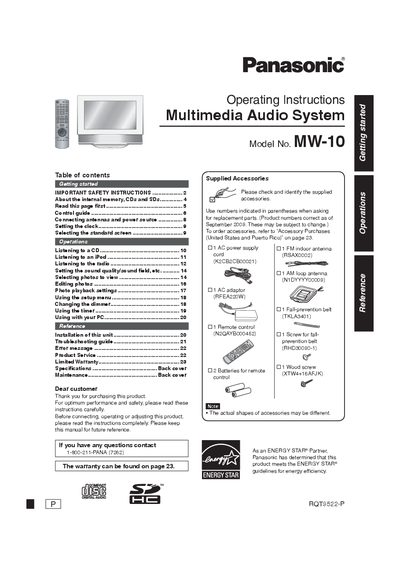

Panasonic MW-10 Multimedia Audio System Operating Instructions - cover page
Brand
Panasonic
Category
Other Electronics
Document type
User Manual
Language
English
Pages
24
File format
PDF
File size
2 MB
Published
03 July, 2012
Updated
01 October, 2023
Model
MW-10
MD5 checksum
B371CCFDEFE02359D48DE07769DC7732

About this manual

This manual provides operating instructions for the Panasonic MW-10 Multimedia Audio System. It covers essential safety precautions, getting started with the device, and connecting antennas and power sources. The guide details how to use the system for listening to CDs, iPods, and the radio, as well as viewing and editing photos. It also explains how to adjust sound quality, set the clock, and use the timer and dimmer features.

What's inside

  • Getting started
  • IMPORTANT SAFETY INSTRUCTIONS
  • About the internal memory, CDs and SDs
  • Listening to a CD
  • Listening to an iPod
  • Listening to the radio
  • Selecting photos to view
  • Using the setup menu
  • Using with your PC
  • Troubleshooting guide

Frequently asked questions

What is the model number of this Panasonic Multimedia Audio System?

The model number for this unit is MW-10.

How should I set up a safe listening level to protect my hearing?

Start the volume control at a low setting and slowly increase it until you can hear the sound comfortably without distortion.

What voltage should be used for the AC adaptor in the U.S.A. and Canada?

In the U.S.A. and Canada, the AC adaptor must be connected to a 120V AC power supply only.

Download PDF (2 MB)

More Panasonic Manuals


View all Panasonic manuals →