
This manual provides operating instructions for the Panasonic RC-CD600 CD clock radio. It details how to set up the main and sub units, insert batteries, and connect power. The guide explains how to play CDs, including track navigation and repeat modes, as well as how to listen to FM and AM radio stations.
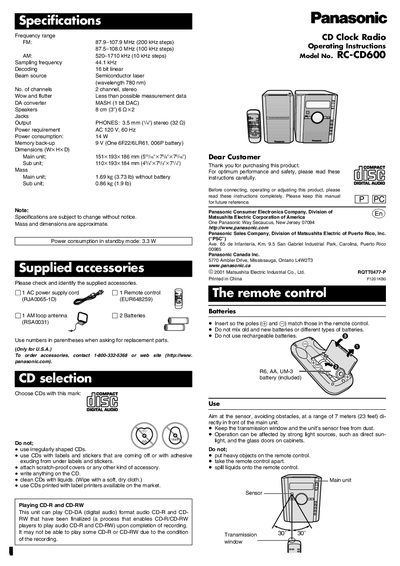
| Frequency range (FM) | 87.9-107.9 MHz (200 kHz steps) |
|---|---|
| Frequency range (AM) | 520-1710 kHz (10 kHz steps) |
| Sampling frequency | 44.1 kHz |
| DA converter | 16 bit linear |
| Beam source | Semiconductor laser (wavelength 780 nm) |
| Number of channels | 2 channel, stereo |
| Wow and flutter | Less than possible measurement data |
| Decoding | MASH (1 bit DAC) |
| Speakers | 8 om (3°)6 Qx2 |
| Jacks | PHONES: 3.5 mm ('/" stereo (32 Q) |
| Power requirement | AC 120 V, 60 Hz |
| Memory back-up | 9 V (One 6F22/6LR61, O06P battery) |
| Mass (Main unit) | 1.69 kg (3.73 Ib) without battery |
| Mass (Sub unit) | 0.86 kg (1.9 Ib) |
The remote requires two R6, AA, or UM-3 batteries.
Yes, it can play finalized audio CD-R and CD-RW discs, but may not be able to play some due to recording conditions.
You can preset up to 20 stations: 5 each in FM 1, FM 2, AM 1, and AM 2.