
This is the user manual for Panasonic RC-DC1 alarm clock, which includes English and Chinese versions. It introduces the usage methods and precautions for this product.
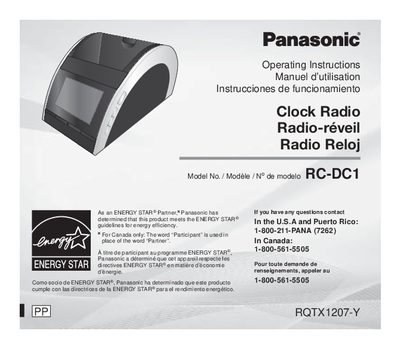
This document provides operating instructions for the Panasonic RC-DC1 Clock Radio. It details safety precautions, product identification, and a comprehensive overview of the unit's controls including snooze, dimmer, preset channels, volume adjustment, and sleep timer activation.
The manual also covers specific usage scenarios such as connecting an iPod or iPhone via the Memory Loader application to synchronize time and play music, setting up alarms, and using the radio for FM/AM reception. It includes a list of compatible Apple devices and troubleshooting guides.
Pressing the Snooze/DIMMER button stops the alarm for 9 minutes.
The Dimmer adjusts the display panel's brightness to High, Medium, or Low.