
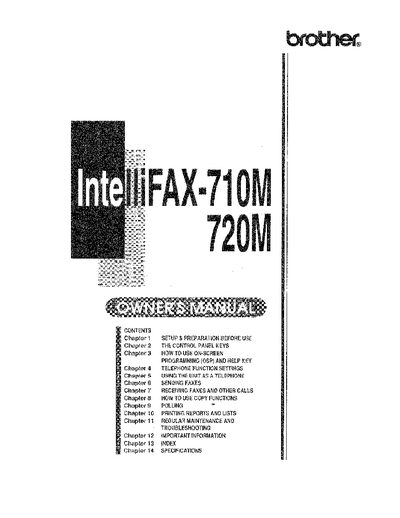
This manual covers the setup and preparation required before using the Brother Intelli FAX-710M or 720M fax machine. It details how to connect the unit, configure telephone functions such as distinctive ringing and speed dialing, and utilize on-screen programming (OSP) for easy access to settings.
The guide provides comprehensive instructions for sending and receiving faxes, including features like error correction mode (ECM), delayed transmission, and broadcasting available on the 720M model. It also explains copy functions, polling procedures, remote activation capabilities, and how to use the unit as a standard telephone.
| Modem speed | 9600/7200/4800/2400; Automatic Fallback |
|---|---|
| Document input width | 148 mm to 216 mn (5.8 inches to 8.5 inches) |
| Printer type | Line thermal |
| Gray scale levels | 16 level (for FAX-710M) / 16/32 levels (for FAX-720M) |
| Resolution | * Horizontal 8 dot/mm (203 dot/inch) |
| Power source | 120V AC 50/60Hz (U.S.A., Canadian Version Only) |
| Dimensions | 876 x 811 x 127 Gmm)/14.8 x 12.2 x 5 (inches) |
The machine supports a standard paper roll size of up to 50 meters (164 feet) with standard thermal paper.
Yes, Chapter 5 of this manual explains how to use the unit as a telephone for manual dialing and speed dialing.
Yes, the FAX-720M supports 16/32 levels of gray scale transmission, whereas the FAX-710M is limited to 16 levels.