
Yamaha Disklavier E3 Media Management Chapter


Yamaha Disklavier E3 Media Management Chapter - cover page
Brand
Yamaha
Document type
User Manual
Language
English
Pages
119
File format
PDF
File size
3 MB
Published
11 June, 2012
Updated
29 September, 2023
MD5 checksum
DCCCD68A07CB605F77371A341752C27F

About this manual

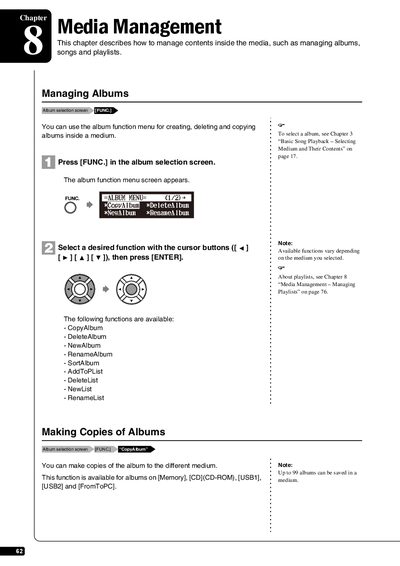
This chapter of the user manual describes how to manage contents inside the media of the Yamaha Disklavier E3. It details procedures for handling albums, such as selecting them from the album function menu, making copies to different mediums like USB or Memory, and deleting unwanted albums. Users can also create new albums with titles up to 64 characters long.

What's inside

  • Managing Albums
  • Making Copies of Albums
  • Deleting Albums
  • Creating a New Album
  • Renaming an Album
  • Rearranging the Order of Albums
  • Managing Songs
  • Making Copies of Songs

Frequently asked questions

Can copy-protected songs like PianoSoft be copied to removable media?

No, copy-protected songs such as PianoSoft cannot be copied to a removable medium.

What is the maximum number of characters allowed for an album title?

You can enter up to 64 characters for an album title.

Download PDF (3 MB)

More Yamaha Manuals


View all Yamaha manuals →