
This chapter describes how to manage contents inside the media, such as managing albums, songs and playlists.
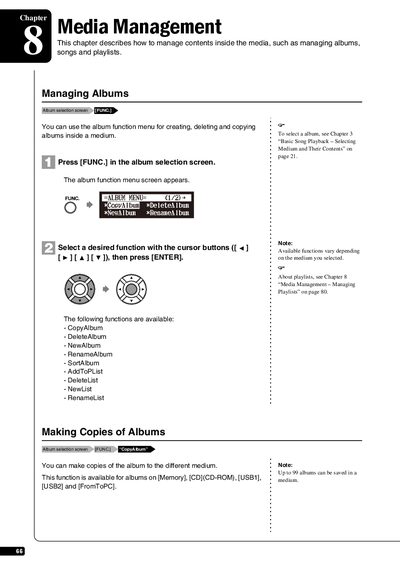
This chapter details the procedures for managing music content stored within the device's media. It covers operations for creating, deleting, copying, renaming, and sorting albums across supported storage mediums like Memory, CD-ROM, USB1, USB2, and FromToPC.
The guide also explains how to manage individual songs within an album, including functions such as making copies of songs, deleting tracks, renaming files, rearranging song order, converting formats, and stripping XP data. Specific limitations regarding copy-protected songs are noted.
The CopyAlbum function is available for albums on Memory, CD-ROM, USB1, USB2 and FromToPC.
No, copy-protected songs such as PianoSoft songs cannot be copied to a removable medium.