
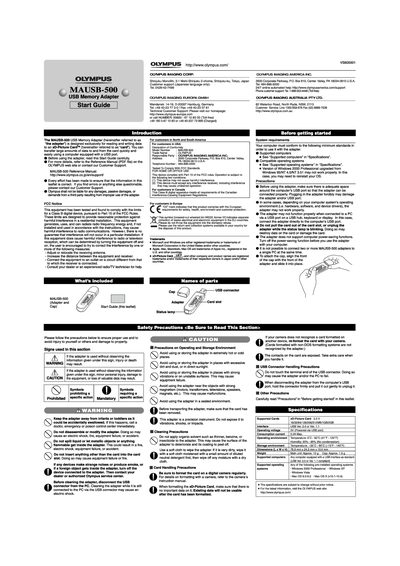
This document is a start guide for the Olympus MAUSB-500 USB Memory Adapter. It describes how to use the adapter to read and write data to xD-Picture Cards on computers equipped with a USB port. The guide covers system requirements, basic handling precautions, and specific operating instructions.
| Supported Cards | xD-Picture Card 33V 16/32/64/128/256/512MB/1GB/2GB |
|---|---|
| Interface | USB Ver. 2.0 of Ver. 1.1 |
| Operating Voltage | 5V (Powered via USB port) |
| Current | 0.2A Max |
| Dimensions | 76.9 mm x 24.2 mmx 10.0 mm |
| Weight (Main unit) | Approx. 12g |
No, the adapter may not function properly when connected to a PC via a USB port on a USB hub, keyboard or display.
No, do not pull the card out of the card slot, or unplug the adapter while the status lamp Is blinking. Doing so may destroy data on the card.
Windows 2000, XP, Vista and Mac OS 9.0-9.2, Mac OS X (v10.1-10.4).