
Olympus MAUSB-100 USB Reader/Writer Quick Start Guide

MAUSB-100 USB Reader/Writer Quick Start Guide
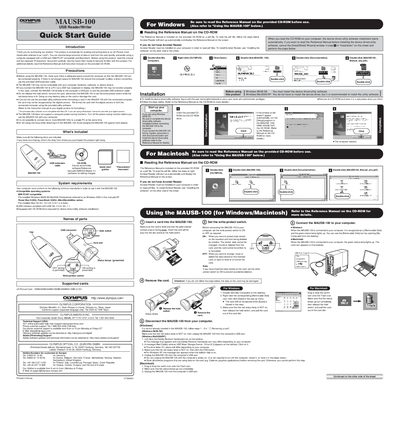

Olympus MAUSB-100 USB Reader/Writer Quick Start Guide - cover page
Brand
Olympus
Category
Other Computer Accessories
Document type
Quick Start Guide
Language
English
Pages
2
File format
PDF
File size
406 KB
Published
08 June, 2012
Updated
30 September, 2023
MD5 checksum
F504C3009EF11C60A89537AE25D1D9C1

About this manual

This document is a Quick Start Guide for the Olympus MAUSB-100 USB Reader/Writer. It provides instructions for installing the device driver and utility software on Windows and Macintosh systems, along with steps to read the full Reference Manual included on the CD-ROM. The guide emphasizes safety precautions, such as ensuring adequate space for connection and avoiding data loss during card removal.

What's inside

  • Introduction
  • Precautions
  • What's included
  • System requirements
  • Names of parts
  • Write-protect switch
  • Supported cards
  • Removing a card
  • Customer support

Specifications

USB InterfaceUSB Ver. 1.1 or 2.0 compliant
Supported xD-Picture Card Capacities16MB/32MB/64MB/128MB/256MB/512MB (3.3V)

Frequently asked questions

Do I need to install the device driver for Windows Me/2000/XP?

No, you do not have to install the device driver, but it is recommended to install the utility software.

Is the provided utility software compatible with Mac OS?

No, the provided utility software is not compatible with Mac OS.

Download PDF (406 KB)

More Olympus Manuals


View all Olympus manuals →