
The MAUSB-200 USB Read/Write Memory Adapter is designed exclusively for reading and writing data to an xD-Picture Card. You can transfer large amounts of data to and from the card quickly and easily using a computer equipped with a USB port.
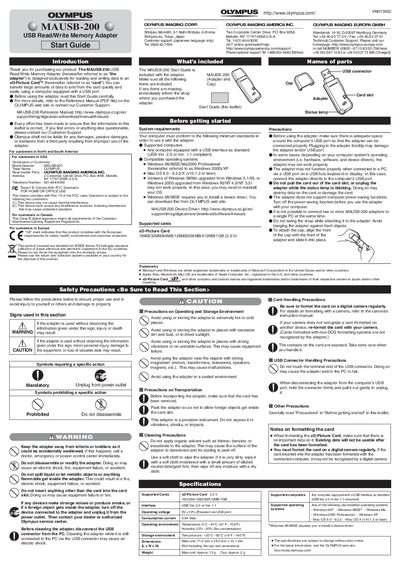
The Olympus MAUSB-200 is a USB Read/Write Memory Adapter designed exclusively for xD-Picture Cards. It allows users to transfer large amounts of data to and from the card quickly and easily using a computer equipped with a USB port. The device is powered via the USB port and supports various operating systems including Windows 98 through XP and Mac OS 9.0 through X.
| Supported Cards | xD-Picture Card 16MB/32MB/64MB/128MB/256MB/512MB/1GB (3.3 V) |
|---|---|
| Interface | USB Ver. 2.0 or Ver. 1.1 |
| Operating voltage | 5V |
| Operating temperature | 0°C - 40°C (41°F - 104°F) |
| Dimensions | 71.0 mm x 25.0 mm x 10.1 mm |
The adapter supports xD-Picture Cards with capacities ranging from 16MB to 1GB.
Yes, Windows 98/98SE requires you to install a device driver which can be downloaded from the OLYMPUS web site.
You must format the card on a digital camera regularly; cards formatted with the computer may not be recognized by a digital camera.