
This document is the user manual for the MAUSB-300 USB Read/Write Memory Adapter. It introduces the adapter's usage methods, precautions, compatibility, etc.
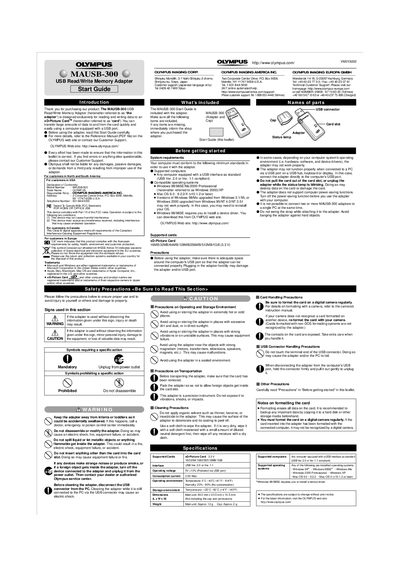
The Olympus MAUSB-300 is a USB Read/Write Memory Adapter designed exclusively for reading and writing data to xD-Picture Cards. It allows users to transfer large amounts of data to and from the card quickly and easily using a computer equipped with a USB port. The device supports xD-Picture Cards with capacities ranging from 16MB to 1GB.
| Supported cards | xD-Picture Card 16MB/32MB/64MB/128MB/256MB/512MB/1GB (3.3 V) |
|---|---|
| Interface | USB Ver. 2.0 or Ver. 1.1 |
| Operating voltage | Powered via USB port |
| Operating temperature | 0°C - 40°C (41°F - 104°F) |
| Storage temperature | -20°C - 60°C (4°F - 140°F) |
The adapter supports xD-Picture Cards with capacities of 16MB, 32MB, 64MB, 128MB, 256MB, 512MB, and 1GB.
No, it is not possible to connect two or more MAUSB-300 adapters to a single PC at the same time.
Yes, Windows 98/98SE requires you to install a device driver, which can be downloaded from the OLYMPUS web site.