
This is a camera user manual
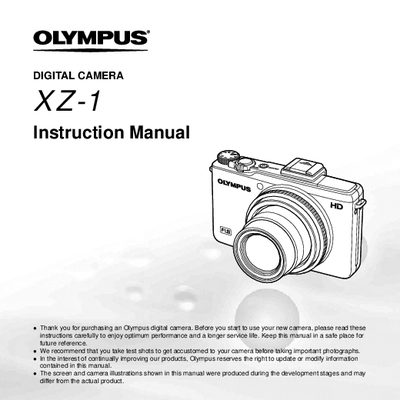
This document is the official user guide for the Olympus XZ-1 digital camera. It provides comprehensive instructions on preparing the camera, using direct buttons and the wheel controller, and navigating various menus for playback, editing, and settings.
The manual details how to operate shooting modes including Auto, Scene, Art Filter, and Low Light, as well as specific functions like sequential shooting, self-timer, and image stabilization. It also covers printing methods such as Direct Printing (PictBridge) and Print Reservations (DPOF).
We recommend that you take test shots to get accustomed to your camera before taking important photographs.
Frequently used functions can be accessed using the direct buttons, such as the lever, shutter button, and MENU button.
Press the (=) button to switch between shooting and playback modes.