
This handbook describes the installation, operation, maintenance, and troubleshooting of the Agilent 1049A electrochemical detector and is designed to be used as both a beginner's self-teaching guide and a day-to-day reference guide.
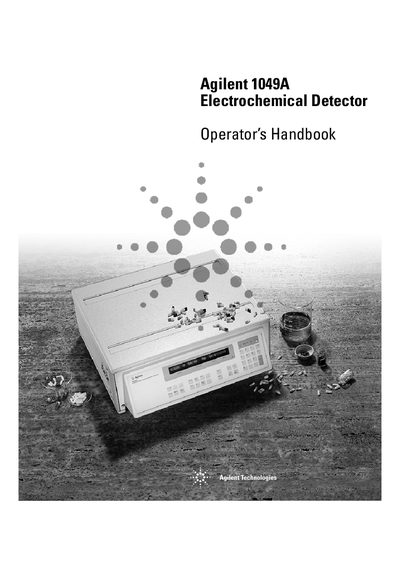
The Agilent 1049A Electrochemical Detector Operator's Handbook serves as a comprehensive guide for users, covering everything from initial setup to daily operation. It includes detailed instructions on preparing mobile phases, installing the detector and its accessories, and verifying performance before running analyses.
The document is structured to assist both beginners and experienced technicians. Key sections include a full keyboard reference, examples of automating detector operations via GPIB interface, and extensive troubleshooting guides for start-up issues, operational problems, and chromatogram anomalies.
It describes installation, operation, maintenance and troubleshooting of your detector.
You can use the General Purpose Interface Bus (GPIB) communication protocol.