
Agilent Feature Extraction Software v10.5 Installation Guide

This is an installation guide for Agilent Feature Extraction Software, which can be used to install and start Agilent Feature Extraction Software.
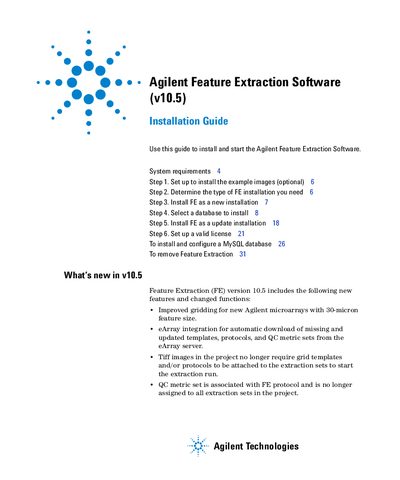

Agilent Feature Extraction Software v10.5 Installation Guide - cover page
Brand
Agilent
Category
medical technology
Document type
Installation Guide
Language
English
Pages
32
File format
PDF
File size
1 MB
Published
07 June, 2012
Updated
30 September, 2023
MD5 checksum
977D8330C81FC382C4F284FF9DCA5843

About this manual

This guide walks you through installing Agilent Feature Extraction Software v10.5, including setting up example images, choosing a database (SQLExpress or MySQL), and configuring a valid license. It also covers upgrading from previous versions and removing old installations. System requirements include Windows XP/Vista, 2 GB RAM, and 40 GB disk space. The guide references other Agilent resources like the User Guide and QC Chart Tool for additional help.

What's inside

  • System Requirements
  • Install Example Images
  • New Installation
  • Update Installation
  • Select Database
  • Install FE as New Installation
  • Install FE as Update Installation
  • Configure MySQL Database
  • Remove Feature Extraction
  • Where to Find More Information

Frequently asked questions

What operating systems are required to install Agilent Feature Extraction Software v10.5?

Windows Server 2003 SP1, XP Professional 32 SP2, XP Professional 64 SP2, Vista 32 Business Edition, and Vista 64 Business Edition.

Download PDF (1 MB)

More Agilent Manuals


View all Agilent manuals →