
Agilent 2100 Bioanalyzer 2100 Expert User’s Guide, introduce the features and characteristics of Agilent 2100 Bioanalyzer 2100 Expert product.
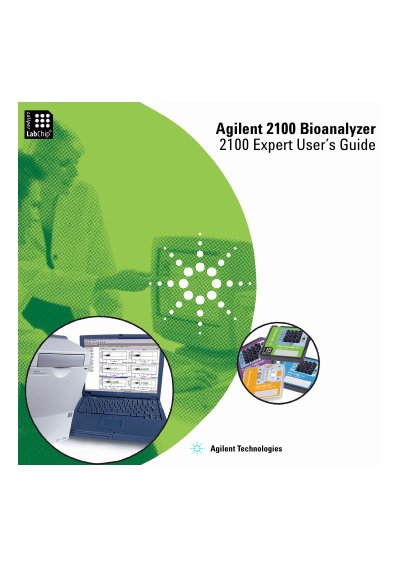
The Agilent 2100 expert software allows users to control the Bioanalyzer instrument, including its diagnostic functions. When used with a LabChip kit, the software facilitates the acquisition, interpretation, and presentation of data generated during the analysis of DNA, RNA, proteins, and cells.
This guide covers two main types of measurements: electrophoretic assays for analyzing nucleic acids and proteins, and flow cytometric assays for measuring cell properties. It details how to prepare samples, run assays on chips, analyze results using visualizations like electropherograms and histograms, and manage data files.
| Compatible Analysis Types | DNA, RNA, proteins, and cells |
|---|---|
| Software Functionality | Control bioanalyzer and diagnostic functions |
A LabChip kit is required in combination with the software for data acquisition and interpretation.
Verification should be done at first use, after relocation, after changing essential parts or software updates, after repair, and on regular intervals.