
This document is a summary of the MAX2825/MAX2826/MAX2827 evaluation kits, which introduces the features and characteristics of the kits, including the 50Ω SMA connectors, On-Board Line Drivers and Voltage Reference, PC Control Software, etc.
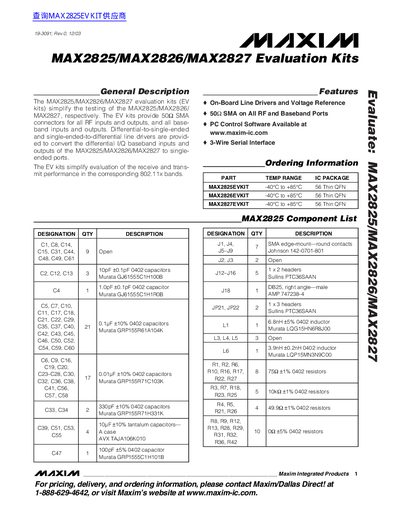
The document describes the Maxim MAX2825/MAX2826/MAX2827 Evaluation Kits (EV kits), which simplify the testing of these RF transceivers by providing on-board line drivers and voltage references with 50Ω SMA connectors for all RF and baseband ports. The kits support evaluation in both receive and transmit modes across 802.11g and 802.11a bands.
| Temperature Range | -40°C to +85°C |
|---|---|
| Package Type | 56 Thin QFN |
| Interface | 3-Wire Serial Interface |
You need three DC supplies: one for +5.0V at 200mA, one for -5.0V at 200mA, and one for +3.6V at 400mA.
Set the low-noise signal source to 20MHz and 2dBm before enabling it.
The HP8561E or equivalent RF spectrum analyzer must have a minimum frequency range of 100kHz to 6GHz.