
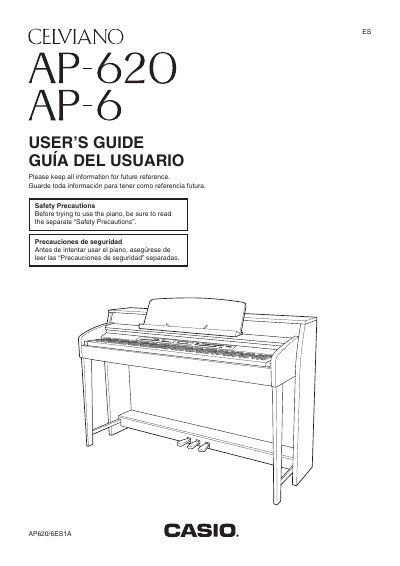
This manual provides instructions for setting up and operating the Casio Celviano AP-620 digital piano. It covers essential topics such as unpacking and assembling the stand, connecting power and audio equipment, and using built-in tones and effects like reverb and chorus.
The guide details how to play with auto accompaniment, use one-touch presets, and manage music libraries. It also explains features for recording keyboard plays, saving settings via memory cards or internal storage, and transferring data between the piano and a computer.
Turn off the piano, then while holding down both the TONE and FUNCTION buttons, press the POWER button.
Turn off the Digital Piano, then while holding down both the TONE and FUNCTION buttons, press the POWER button.
Protect the power cord from being walked on or pinched, particularly at plugs, convenience receptacles, and where they exit the apparatus.
You must unplug the power cord when you need the apparatus completely disconnected from the MAINS.