
CASIO AP-400/AP-400CY Manual

This manual provides operating instructions for the AP400/400CYES1A ES
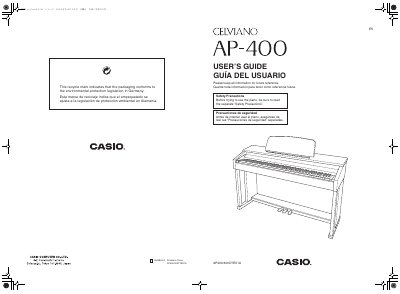

CASIO AP-400/AP-400CY Manual - cover page
Brand
Casio
Category
Musical instruments
Document type
User Manual
Language
English
Pages
37
File format
PDF
File size
2.4 MB
Published
06 June, 2012
Updated
30 September, 2023
MD5 checksum
9A9F233225BA1FFD83A7EB70928D1224

About this manual

The document serves as a comprehensive instruction manual for the Casio AP-400 digital piano. It details safety precautions, stand assembly instructions, and power supply connections. The guide explains how to operate various features including tone selection, layering sounds, using effects, and utilizing the built-in metronome and song library.

What's inside

  • Assembling the Stand
  • Power Supply
  • Connecting Headphones
  • Selecting and Playing a Tone
  • Using Effects
  • Recording and Play Back
  • Configuring Settings with the Keyboard
  • Troubleshooting

Specifications

Product TypeDigital Piano
Power SourceStandard household power

Frequently asked questions

How do I change a setting using the keyboard?

Hold down the TONE/SETTING button as you press the assigned keyboard key.

Can I save my current settings?

Yes, the digital piano allows you to save its current settings.

Download PDF (2.4 MB)

More Casio Manuals


View all Casio manuals →