
This manual is the user's guide for the AP200ES1A electronic piano. It mainly introduces the safety use, connection method, function introduction, operation method, maintenance and maintenance of the electronic piano.
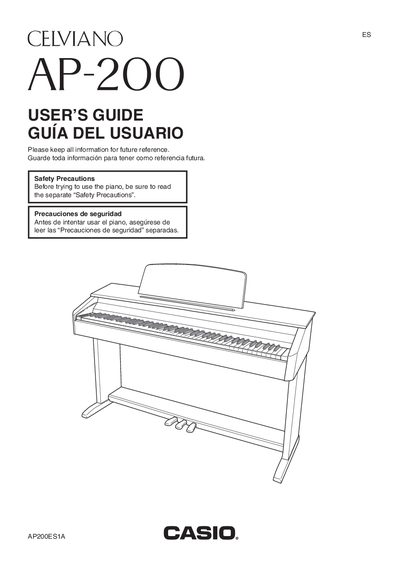
The Casio Celviano AP-200 is a digital piano designed for home use. This manual provides instructions on unpacking, assembling the stand, connecting power using the specified AD-12 adaptor, and basic safety precautions such as avoiding water and heat sources.
Users can configure various settings including tone selection (Classic or Modern Grand Piano), brilliance adjustment, layering tones, and using effects like reverb and chorus. The guide also details how to use the built-in metronome, play back songs from the music library, record keyboard performance, and connect external audio equipment.
| Product Name | Celviano AP-200 |
|---|---|
| Power Supply | Standard household power / AC Adaptor AD-12 |
Only the specified CASIO AD-12 adaptor should be used to power the product.
The apparatus shall not be exposed to dripping or splashing, and no objects filled with liquids should be placed on it.