
This is a document about the AP500ES1B ES user's guide. The document includes safety precautions, important safety instructions, and usage instructions. It also provides some features and characteristics of the product.
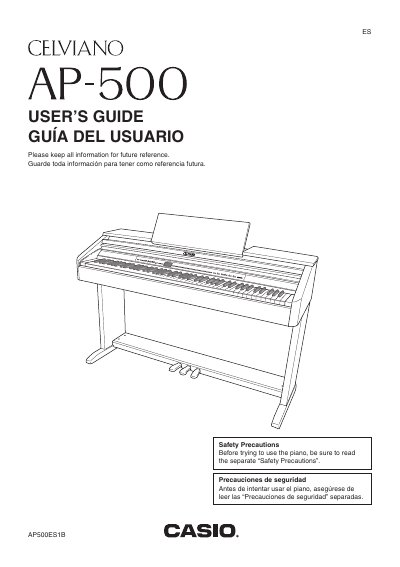
This manual provides instructions for setting up and operating the Casio AP-500 digital piano. It covers essential topics such as assembling the stand, connecting power and audio equipment, and navigating the control panel buttons like TEMPO/SETTING and W/NO.
The guide details how to select tones, rhythms, and effects, play built-in songs from the music library, and use recording features to save keyboard performances. It also explains how to expand selections using an SD Memory Card and connect the piano to a computer via USB or MIDI terminals.
| Model Number | AP-500 |
|---|
You must read the separate Safety Precautions document before trying to use the instrument.
Press the TEMPO/SETTING button until its lamp flashes, then press the specific parameter button you wish to adjust.
No, you should only use attachments or accessories that are specified by the manufacturer.