
This document describes the features and characteristics of the next generation AutoScanner, a do-it-yourself diagnostic tool for OBD II compliant vehicles. It provides instructions in English, Spanish, and French. The document also includes safety precautions and contact information for technical support.
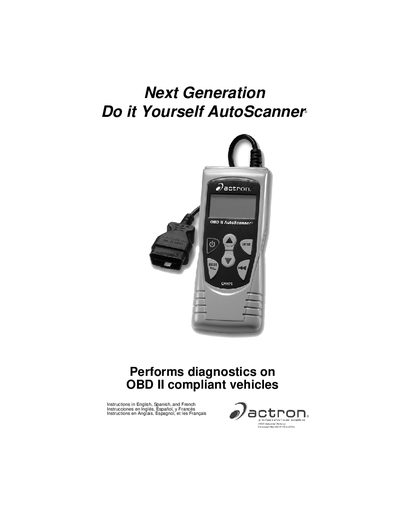
The document is a user guide for the Actron Next Generation Do it Yourself AutoScanner. It covers safety precautions, vehicle service information, and step-by-step instructions for operating the device.
Key features include reading and erasing Diagnostic Trouble Codes (DTCs), viewing Malfunction Indicator Lamp (MIL) status, monitoring emissions systems via VM Monitors, and reviewing freeze frame data. The manual also details how to configure the keypad, adjust display settings, and perform system tests.
| Compatible Vehicles | OBD II compliant vehicles |
|---|---|
| Supported Languages | English, Spanish, and French |
The instructions are provided in English, Spanish, and French.
You must refer to section 4.7 of the manual to locate the Serial Number (Serial No) and Software Identification (SW ID).