
The document provides instructions and precautions for using the calculator, including power on/off, auto power-off function, and battery replacement. The calculator has dual-function keys and various functions, making it suitable for various calculation needs.
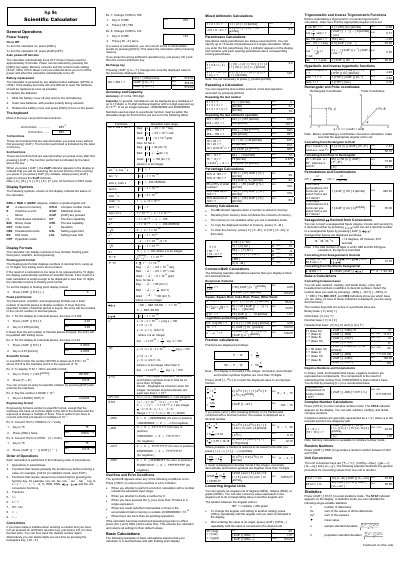
This manual provides step‑by‑step instructions for powering the HP 9s calculator on and off, replacing its two alkaline button batteries, and using its various calculation modes. It also describes the display symbols, formats, and how to perform basic, statistical, and complex number calculations.
Additional sections cover accuracy specifications, auto‑power‑off behavior, memory retention, and troubleshooting tips such as clearing entries or unlocking the device. The document ends with copyright information and HP part numbers.
| Battery type | Two alkaline button batteries (GP76A or LR44) |
|---|---|
| Auto power‑off | Turns off after approximately 9 minutes of inactivity |
| Accuracy | ±1 in the 10th digit |
| Display mantissa | Up to 10 digits in floating‑point mode |
Press [ON/C] to turn it on; press [2ndF] [OFF] to turn it off.
Press [2ndF] [FIX] followed by the number of decimal places you want.
Press [CE] to clear the most recent entry.