
This is a document about calculator operations, which describes how to turn on/off the calculator, auto power-off function, battery replacement, and keyboard usage.
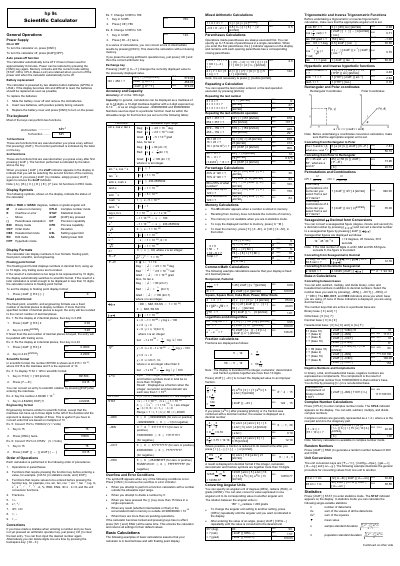
This handbook provides step‑by‑step instructions for using the HP 9s scientific calculator, covering power on/off, keyboard functions, display modes, and basic arithmetic. It also details the statistics mode, accuracy limits, and how to replace the two alkaline button batteries.
Additional sections describe error conditions, how to clear entries, and conversion functions for angular units, bases, and complex numbers, helping users perform a wide range of calculations with confidence.
| Battery type | Two alkaline button batteries (GP76A or LR44) |
|---|---|
| Accuracy | ±1 in the 10th digit |
| Display mantissa capacity | Up to 10 digits |
| Integer range | -9 999 999 999 to 9 999 999 999 |
Press the [ON/C] key to turn it on. Press [2ndF] [OFF] to turn it off, or wait for the auto power‑off after about 9 minutes.
Press the [CE] key to clear the last entry, or use the backspace key [00 →0] to delete digits one at a time.
Press [F ↔ E] while in floating‑point mode to switch to scientific notation.