
This is the summary of the Panasonic GXR digital camera body user manual.
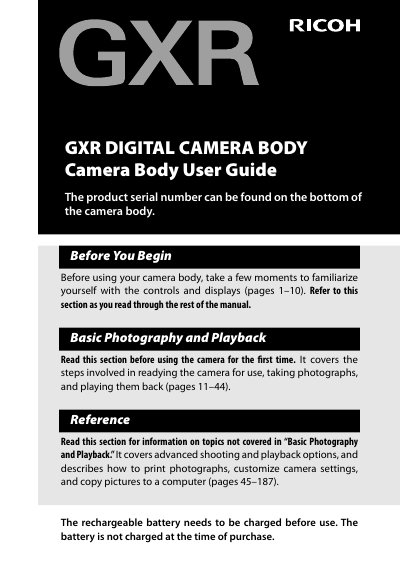
The document serves as a comprehensive user manual for the Ricoh GXR digital camera body. It begins with safety precautions and package contents verification before guiding users through initial setup steps such as charging the DB-90 rechargeable battery and inserting memory cards.
Subsequent sections detail basic photography operations, including how to take photos, use zoom functions, operate flash settings, and utilize self-timer features. The guide also explains advanced playback options for viewing and deleting images on the LCD monitor.
| Battery Type | DB-90 rechargeable battery |
|---|---|
| Memory Card Support | SD memory card |
The product serial number can be found on the bottom of the camera body.
You must familiarize yourself with the controls and displays, and you must charge the rechargeable battery because it is not charged at the time of purchase.
Put the ends of the neck strap through the strap eyelets on each side of the camera body, and thread the ends through the clips.
Wash your eyes with clean water for at least 15 minutes and seek medical advice immediately.