
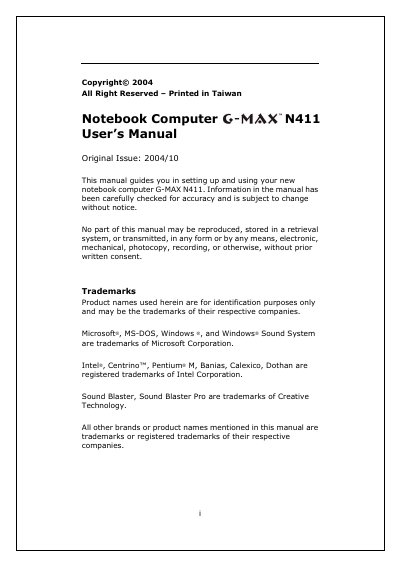
Gigabyte G-MAX N411 Notebook Computer User's Manual


Gigabyte G-MAX N411 Notebook Computer User's Manual - cover page
Brand
Notebook
Category
Laptops
Document type
User Manual
Language
English
Pages
110
File format
PDF
Published
01 June, 2012
Updated
29 September, 2023
MD5 checksum
DCA1AF1333EF55AA7F6CD12210645B15

About this manual

The G-MAX N411 is a notebook computer from Gigabyte. Its User’s Manual provides guidance for setting up and using the notebook, along with safety instructions for the notebook, battery, AC adapter, and hard drive.

The manual also includes regulatory notices such as FCC notices and a Part 68 warning, a CE notice for the European Union, and a BSMI notice for Taiwan. It lists trademarks and gives precautions for travel, cleaning, and handling components.

What's inside

  • Safety Instructions
  • Trademarks
  • Regulatory Notices
  • Federal Communications Commission Notice
  • Modifications
  • Cables
  • FCC Part 68 Warning
  • CE Notice (European Union)
  • BSMI Notice (Taiwan Only)

Frequently asked questions

Can I put my notebook through a metal detector?

No. You can put the notebook through an X-ray security machine, but never through a metal detector.

What should I do if condensation forms on or inside my notebook?

Allow sufficient time for the moisture to evaporate before using the notebook.

What should I do before cleaning my notebook?

Turn it off, unplug it from its power source, and remove the battery.

What power source voltage is used in most of Europe?

The manual lists 230 V/50 Hz for most of Europe, the Middle East, and the Far East.

Download PDF

More Notebook Manuals


View all Notebook manuals →