
This document is a user's manual for the ASUS F5 Entertainment System Notebook PC, describing the hardware features and usage instructions of the product.
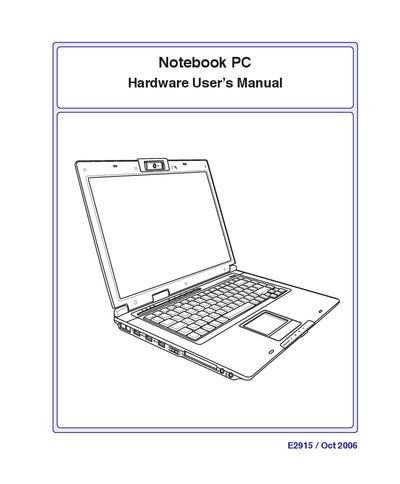
This manual introduces the ASUS E2915 Notebook PC, describing its components, safety precautions, and preparation steps before use. It covers the parts layout, power management, and handling instructions such as cleaning and transportation.
The guide also explains how to operate the notebook, including power‑on procedures, battery care, touchpad usage, and connection options like modem, network, and wireless. An appendix provides fields for recording product information and a glossary of terms.
Disconnect the AC power and remove the battery pack(s) before cleaning, then wipe with a clean cellulose sponge dampened with non‑abrasive detergent and a few drops of warm water.