
This document is a user manual for a product called COMUNICADO. It provides an introduction to the features and usage of the product.
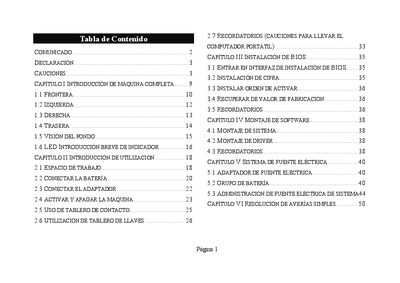
This manual provides an introduction to the notebook, covering front, left, right, and rear sections, as well as indicator LEDs. It includes safety cautions, proper handling, and environmental recommendations for reliable operation.
The document also details BIOS installation, software and driver setup, power‑adapter usage, battery handling, cleaning, maintenance, and troubleshooting for common issues such as a black LCD screen, sound problems, printer, USB, and LAN connectivity. This manual is written in Spanish.
Press and hold the power button for more than 4 seconds to force the shutdown.
Press the key combination with Fn to change the display mode and ensure the screen is not in sleep mode.
Use the Fn key combination to increase or decrease the sound volume, and check the software volume settings.