
This manual introduces the use of the E5094 notebook computer. It mainly includes safety precautions before use, preparing the notebook computer, using the touchpad, understanding the parts of the notebook computer, and recovering the notebook computer.
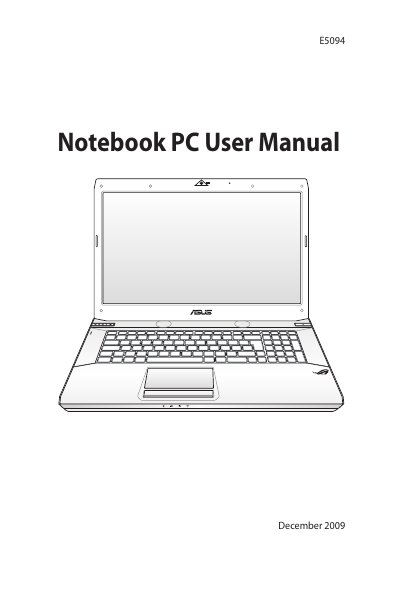
This manual begins with safety precautions to protect the notebook and its battery, covering topics such as temperature limits, battery handling, and power‑adapter requirements. It also includes regulatory statements for FCC, CE, REACH and other compliance notices.
The guide then walks you through preparing the notebook, installing the battery and power adapter, turning the device on, and using key features such as the touchpad, HDMI, USB, LAN and optical drive. Sections on recovering the system, using recovery partitions or DVDs, and detailed diagrams of the right, left, front and rear sides help you identify ports and components.
| Operating temperature range | 10 °C – 35 °C (50 °F – 95 °F) |
|---|---|
| Power input rating | Refer to rating label on bottom of notebook |
| USB ports | USB 2.0 compatible, up to 480 Mbps |
| HDMI port | Uncompressed digital audio/video interface |
| LAN port | RJ‑45 Ethernet connector |
| Power (DC) input | External AC‑DC adapter supplies DC to notebook and battery |
The notebook should be used in ambient temperatures between 10 °C (50 °F) and 35 °C (95 °F).
Press and release the power button located beneath the LCD display panel.
Do not throw the battery in fire, short‑circuit the contacts, disassemble it, expose it to liquids, or replace it with a different type.
The notebook’s USB ports support USB 2.0 (up to 480 Mbps) and are backward compatible with USB 1.1 devices.