
This document is a user manual for a laptop from the brand Great Wall Computer Shenzhen Co. Ltd. The manual provides detailed information about the laptop's appearance, basic operations, BIOS configuration, driver installation, power management, and troubleshooting.
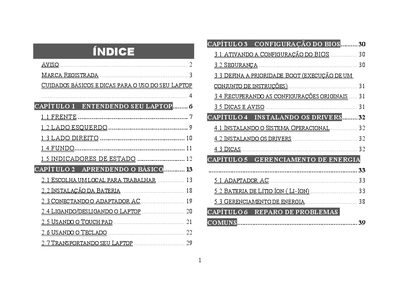
This manual introduces the Great Wall notebook, covering safety precautions, hardware components, and basic handling. It explains how to install the battery, connect the AC adapter, use the touch pad and keyboard, and transport the laptop safely.
Further sections detail BIOS configuration, power‑management settings, and a comprehensive troubleshooting guide for audio, USB, LAN, and other common issues. Maintenance tips for cleaning, battery care, and screen protection are also included. This manual is written in Portuguese.
| Battery type | Lithium |
|---|---|
| Camera resolution | 1.3 Megapixel |
Enter the BIOS setup and select the option to restore original configurations.