
This document introduces the use of notebook computers, including power connection, boot, battery power, display settings, hotkey control, track pad, data storage and acquisition, power saving mode and battery power system.
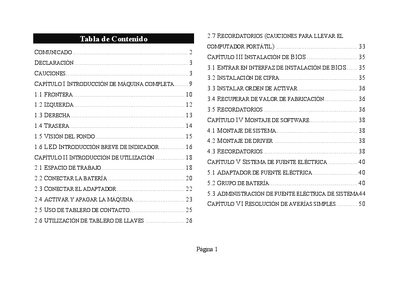
This manual provides an introduction to the notebook, covering the front, left, right, rear, and bottom views, as well as indicator LEDs. It includes detailed instructions for connecting the battery and power adapter, turning the device on and off, and using the key and touch panels.
Safety cautions, cleaning, maintenance, and troubleshooting sections address common issues such as LCD screen problems, sound, printer, USB, and LAN connectivity, offering step‑by‑step procedures to resolve them. This manual is written in Spanish.
Press and hold the power button for more than 4 seconds to force the notebook to shut down.
Use the combined Fn key to increase or decrease the sound volume.
Press the Fn key combination to change the display mode and ensure the system is not in sleep mode.