
Intermec CN3 Mobile Computer User Manual for Windows Mobile 6.1

CN3 is a mobile computer from Intermec running Windows Mobile 6.1.
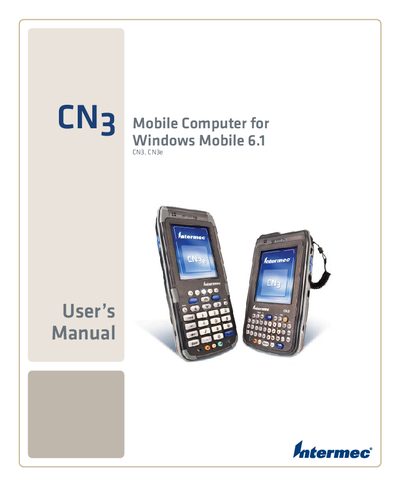

Intermec CN3 Mobile Computer User Manual for Windows Mobile 6.1 - cover page
Brand
Mobile
Category
Other device
Document type
User Manual
Language
English
Pages
143
File format
PDF
File size
3.4 MB
Published
01 June, 2012
Updated
30 September, 2023
Model
CN3
MD5 checksum
25FE1E23448425DB0D6ECAE3DF59FB75

About this manual

The CN3 is a rugged mobile computer from Intermec designed to run Windows Mobile 6.1. This manual provides the information needed to operate, configure, and service the device safely and efficiently.

It includes sections on battery handling, keypad use, wireless communications (Wi‑Fi, Bluetooth, Ethernet), GPS setup, barcode and imaging functions, application development, software upgrades, and troubleshooting. Reference tables list specifications and default settings for quick access.

What's inside

  • Using the CN3
  • Battery Operation
  • Wireless Connectivity (Wi‑Fi, Bluetooth, Ethernet)
  • GPS Setup
  • Scanning and Imaging
  • Application Development and Installation
  • Troubleshooting and Maintenance
  • Physical and Environmental Specifications

Frequently asked questions

How can I configure Wi‑Fi on the CN3?

Use the "Configuring 802.11b/g Radio Communications" section of the manual.

How do I upgrade the CN3 system software?

Follow the "Upgrading the System Software" instructions.

Where can I find warranty information for the CN3?

See the "Warranty Information" section near the beginning of the manual.

What are the physical and environmental specifications of the CN3?

Refer to the "Physical and Environmental Specifications" chapter for details.

Download PDF (3.4 MB)

More Mobile Manuals


View all Mobile manuals →