
This manual describes the installation and usage of Movino mobile phone client for Symbian S60
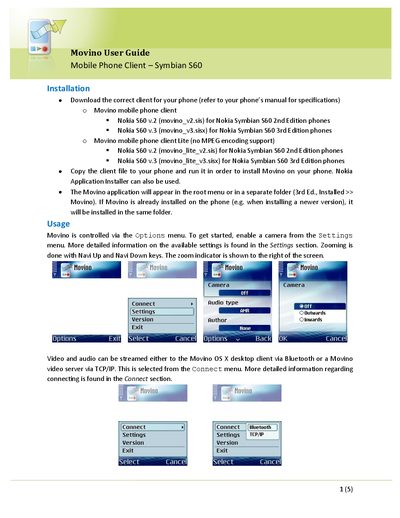
This guide covers installing the Movino client on a Symbian S60 phone, selecting video and audio settings, and connecting to a computer via Bluetooth or TCP/IP. It also explains how to test bandwidth, disconnect, and uninstall the application.
The document provides step‑by‑step instructions for choosing cameras, video compression, resolution, and audio encoding, as well as details on password handling for Bluetooth connections and server authentication for TCP/IP streaming.
| Supported video types | Uncompressed, JPEG, MPEG |
|---|---|
| Default video resolution | 176x144 |
| Supported audio types | Off, PCM, MuLaw, AMR (default) |
| PCM audio bandwidth | 16 KB/s |
| MuLaw audio bandwidth | 8 KB/s |
| AMR audio bandwidth | 1.6 KB/s |
Download the correct client for your phone, copy the client file to the phone and run it; you can also use the Nokia Application Installer.
Select Bluetooth or TCP/IP from the Connect menu; for Bluetooth the phone will search for the OS X client, and for TCP/IP you must enter the server hostname and port.
Remove the application using the phone’s Application Manager.