
This guide describes how to use an analog phone with Zayo Managed Services Hosted PBX Service and all the features available with the Professional Seat.
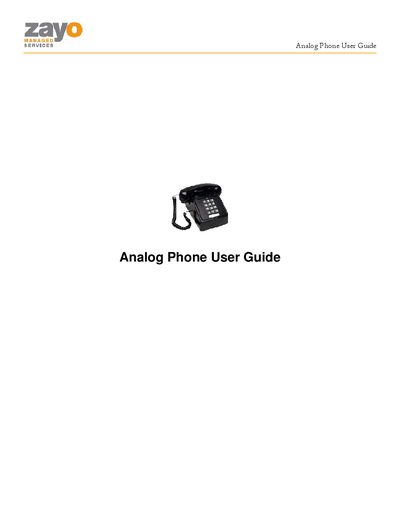
The Zayo Analog Phone User Guide provides step‑by‑step instructions for using the analog desk phone with Zayo’s Hosted PBX service. It covers basic operation, feature activation, and the web‑based tools that complement the phone.
Key features described include call forwarding, call transfer, caller ID control, speed dial setup, voicemail access, and the Telephony Toolbar integration with Outlook and browsers. Each feature includes the required soft‑key or feature‑code sequence and any IVR prompts.
Go off hook, press *72 and follow the IVR instructions.
Go off hook, press *67 and then dial the number you wish to call.
Go off hook, press *88 and follow the IVR instructions.