
This manual introduces the features, installation, and operation of the DinionHD 1080p IP camera NBN-832.
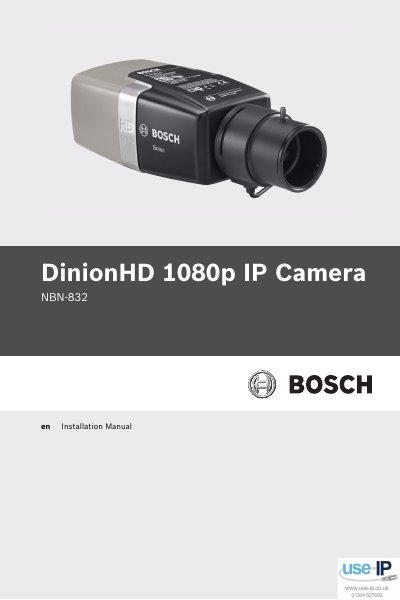
The manual provides safety precautions, system information, and detailed installation steps for the DinionHD 1080p IP Camera, including lens mounting, network and power connections, and configuration via the install wizard. It also explains camera set‑up features such as day/night switching, reset procedures, and browser connection settings.
Additional sections cover troubleshooting, maintenance, and technical data such as sensor specifications, power options, video encoding, and environmental ratings, helping installers ensure reliable operation and compliance with FCC/ICES regulations.
| Imager sensor | 1/2.7-inch CMOS HD sensor |
|---|---|
| Minimum illumination (color) | 0.5 lx |
| Video encoding | H.264, M‑JPEG |
| Image resolution | 1920 × 1080 pixels |
| Audio input level | 1 Vrms, 12 kOhm impedance |
| Weight without lens | 690 g |
| Operating temperature | -20 °C to +55 °C |
The camera provides two alarm inputs with non‑isolated closing contacts.
The camera requires a minimum illumination of 0.5 lx for color imaging.
It supports H.264 (ISO/IEC 14496‑10) and M‑JPEG video encoding.