
Flasher-PRO is a product released by Robert Bosch LLC that supports multiple vehicle reprogramming protocols, including J1850VPW, J1850PWM, CAN, ISO 15765, ISO 9141, ISO 14230/KWP2000, Chrysler SCI, etc.
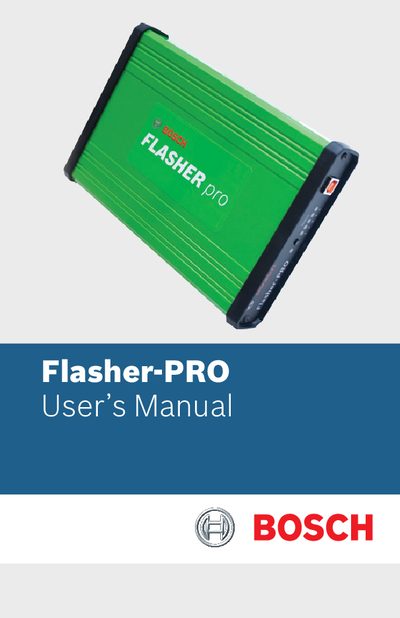
The Flasher-PRO is a Bosch vehicle diagnostic interface that supports multiple reprogramming protocols such as J1850PWM, CAN, ISO 15765, and others. The manual describes the hardware components, connectors, status indicators, and the software utilities included on the CD.
It explains how to power the device from the vehicle or a bench supply, connect via USB or Ethernet, use the Flasher‑PRO Checker, Install Check, Vehicle Check, and Debug Check programs, update firmware, and resolve common communication problems.
| Analog input resolution | 12‑bit |
|---|---|
| Analog input voltage range | 0 V to 27.5 VDC |
| Front panel status lights | 6 |
Run the Flasher‑PRO Checker Program from the CD, select the unit, click “Update Firmware,” browse to the firmware file, and confirm; the update may take up to 10 minutes.
Check the status lights, run the Install Check program to verify drivers are installed, and use the Debug Check program to generate a log file for technical support.