
This is the user manual for HP PhotoSmart 320 series digital camera
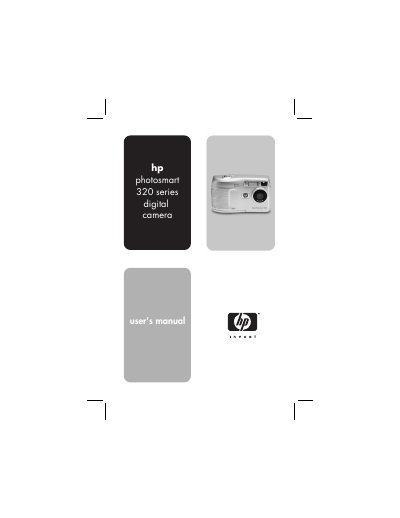
This manual guides users through getting started with the HP Photosmart 320 digital camera, including battery installation, memory card insertion, power on, language selection, and date/time settings. It also covers software installation for Windows and Macintosh platforms.
Further sections explain how to take pictures, use playback functions, share images via HP Instant Share, print or display images, and troubleshoot common issues. Appendices provide details on batteries, the optional camera dock, and technical specifications.
| Sensor resolution | 2.1 MP |
|---|---|
| Color depth | 30 bits (10 bits x 3 colors) |
| Internal memory | 8 MB flash |
| Supported memory card | Secure Digital (SD) up to 128 MB |
| Lens focal length | 5.9 mm |
| Aperture (f-number) | f/4.5 and f/8.0 |
| Digital zoom | 2x/4x |
| Shutter speed range | 1/1000 sec to 1/4 sec |
It has a 2.1‑megapixel sensor.
The camera includes 8 MB of internal flash memory and supports an SD memory card up to 128 MB.
By using the USB connector on the camera with a USB cable.